
String vs. File-Based Localization: Which Should You Use?
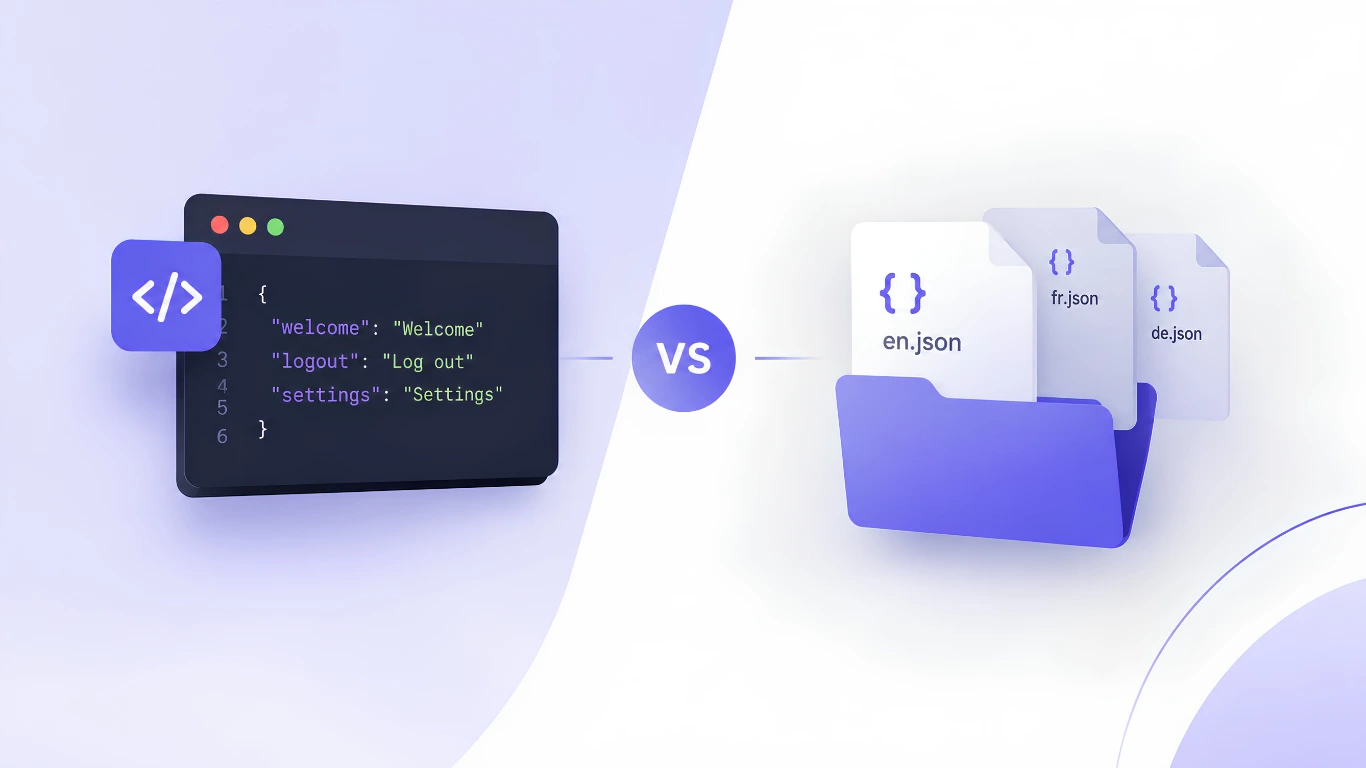
If you're building a product for a global audience, at some point you'll have to decide how your translatable content actually gets managed. That decision usually comes down to one of two models: file-based or string-based localization. If you're still fuzzy on how this fits into the bigger picture of internationalization vs. localization, it's worth a quick read first—this post picks up from there.
The terminology sounds technical, but the difference has real consequences for how fast your team can ship translations, how much developer overhead you carry, and how well your workflow scales as your product grows.
Here's a clear breakdown of both approaches—and how to figure out which one fits your team.
What Is File-Based Localizaton?
File-based localization is the traditional, structure-first approach. You export your translatable content into files—think .json, .xml, .strings, .po, or .yml—upload the whole file to your translation tool or vendor, and get a translated version of that same file back.
Each file acts as a self-contained unit: the source file maps directly to a translated file, usually one per locale. This works well when your app already has a clear, structured content format defined by your codebase or framework (Android XML resources and iOS .strings files are classic examples). If your stack currently uses a JSON-based setup like next-intl, our guide on migrating Next-Intl to Clocale walks through what that file-based structure looks like in practice.
How it typically works:
- Developers export a source file containing all translatable strings.
- The file is uploaded to a translation tool or sent to a translator/agency.
- Translated files come back, one per language.
- Developers import the translated files back into the codebase.
This file-in, file-out cycle is predictable and easy to reason about—but it also means translation updates move at the speed of your file export/import cycle, not the speed of your content changes.
What Is String-Based Localization?
String-based localization breaks translatable content down to the individual string level—a button label, an error message, a headline—and manages each one as its own object, usually through an API rather than a file.
Instead of uploading and downloading whole files, you interact with strings directly: adding one, updating one, and translating one, without touching everything else around it. Source files aren't necessarily stored or required at all; the "source of truth" lives in the platform itself, at the string level. Phrase's string management platform is built specifically around this model—optimized for products that manage text through keys and designed to fit continuous, agile development rather than document-based translation workflows.
How it typically works:
- Individual strings are pushed into the localization platform, often as they're written—sometimes straight from the codebase via API or SDK.
- Each string is translated independently, in whatever language and at whatever time makes sense.
- Translations sync back continuously (often automatically) rather than as one big batch.
This model fits naturally with continuous deployment: you're not waiting for a whole file to be "translation-complete" before you can ship.
Key Differences at a Glance
Crowdin, one of the platforms that popularized this exact split, documents the distinction as a choice between managing whole source files versus managing content at the individual string level. Here's how the two compare across the factors that matter most for a dev team:
| File-Based Localization | String-Based Localization | |
|---|---|---|
| Unit of management | Whole files | Individual strings |
| Update granularity | Coarse, whole file re-exported/imported | Fine, single strings updated independently |
| Best fit | Stable, well-structured content and apps with defined resource files | Dynamic, frequently changing content and agile/continuous deployment |
| Workflow speed | Batch-based, tied to file cycles | Continuous, near real-time |
| Developer overhead | Manual export/import steps | Often automated via API/SDK |
| Versioning & history | Tracked at the file level | Tracked at the string level |
| Tooling | Common in traditional TMS/CAT workflows | Common in developer-first, API-driven platforms |
Pros and Cons
File-based localization
Pros
- Predictable, structured, easy-to-audit file-by-file
- Plays well with existing framework conventions (Android/iOS resource files, gettext, etc.)
- Straightforward for translators used to CAT tools and file-based workflows
Cons
- Slower turnaround—a single new string often means waiting for the next full file cycle
- More manual overhead for developers (export, upload, download, import, repeat)
- Harder to handle dynamic or frequently changing content gracefully
String-based localization
Pros
- Much faster iteration—new or changed strings can be translated almost immediately
- Fits continuous deployment and agile release cycles naturally
- Easier to automate end-to-end via API, reducing manual developer work
Cons
- Requires more upfront integration work (API/SDK setup) compared to a simple file upload
- Less familiar to translators or teams used to traditional file-based CAT tools
- Can lose some of the "whole file" context that helps with consistency review in enormous content sets
Which One Should You Choose?
There's no universally "better" option—it depends on how your product ships.
- If your app has relatively stable, well-structured content and you release translations in batches (say, alongside major version releases), file-based localization is simple, reliable, and well-supported by existing tooling.
- If you're shipping continuously, with UI copy, notifications, or dynamic content changing often, string-based localization removes the bottleneck of waiting on full file cycles and lets translations keep pace with development.
Many teams actually end up using a hybrid: file-based imports for the initial bulk of content, with string-based updates layered on top for anything that changes frequently after launch. If you're weighing whether to build this kind of hybrid workflow yourself or use an existing platform, our post on build vs. buy localization breaks down the hidden costs worth considering first.
Where Clocale Fits In
This is precisely the kind of workflow friction Clocale is built to remove. Rather than forcing your team to choose between clunky file round-trips and manual API wiring, Clocale centralizes your localization content in one place—so whether your content originates as structured files or individual strings pushed continuously from your codebase, it's managed, tracked, and translated from a single source of truth. If you're currently evaluating platforms, our comparison of Lokalise alternatives is a useful next read. That means less time spent on export/import busywork and more time shipping features to every market you support.
Conclusion
String-based and file-based localization aren't competing standards—they're two different ways of organizing the same underlying work, and each shines under different conditions. File-based localization gives you structure and predictability when your content is stable and your release cycle is batch-driven. String-based localization gives you speed and flexibility when your content changes constantly and your team ships continuously.
The right choice isn't about which model is "more modern"—it's about matching your localization workflow to how your product actually gets built and shipped. And if you would rather not choose at all, a platform that handles both under one roof means you never have to force-fit your workflow to your tooling.
FAQ
1. Is string-based localization always faster than file-based localization?
Usually, yes, for individual updates—since a single string can be translated and synced without waiting on a full file cycle. But "faster" depends on your setup; if your file-based pipeline is already automated, the gap narrows.
2. Can I use both string-based and file-based localization together?
Yes. Many teams import initial content via files and then handle ongoing, incremental updates at the string level. This hybrid approach is common when launching a product with file-based content and then maintaining it with continuous updates.
3. Which is better for small teams or early-stage products?
File-based localization is often simpler to start with if your content set is small and doesn't change often. String-based localization pays off more as your release cadence speeds up and content grows more dynamic.
4. Do translators prefer one approach over the other?
Translators experienced with traditional CAT tools are often more comfortable with file-based workflows, since that's the standard in many TMS platforms. String-based workflows can require more platform-specific familiarity, though this gap is shrinking as more tools adopt string-level interfaces.
5. Does string-based localization require more developer setup?
Generally yes, upfront—since it usually relies on API or SDK integration rather than a simple file upload/download. That setup cost is offset over time by less manual work per translation update.